Please note that if you're using a PMS connected to BookingTrust, all changes should be made in your PMS.
For clients using BookingTrust as a stand-alone system, please follow the steps below:
Once the booking is in BookingTrust you can modify the booking details (dates, booking amount, booking number, guest name etc.):
- click on the plus sign next to the booking to open a submenu
- click on More Details button
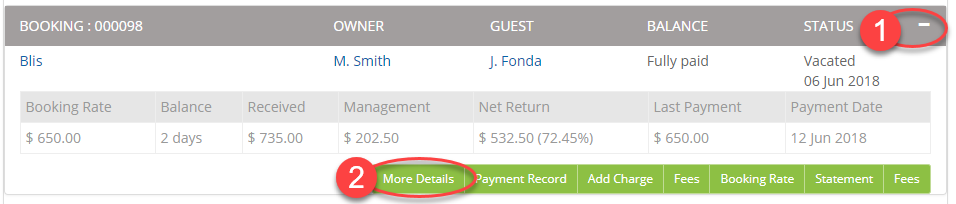
- On the next screen click on Edit button on the top of the screen

- On the next screen, you can edit the dates, booking amount, bond amount, booking source and booking number,
To edit the guest name, click on the guest name (it's a link to the guest details record) and then click on the Edit button on the top of the screen. Please note that to edit guest name you'll need to provide some more information that was initially given - you will be asked for an email address and phone number - you can make one up if you don't have the real details on hand. - Once done, click save and your booking details will be modified.